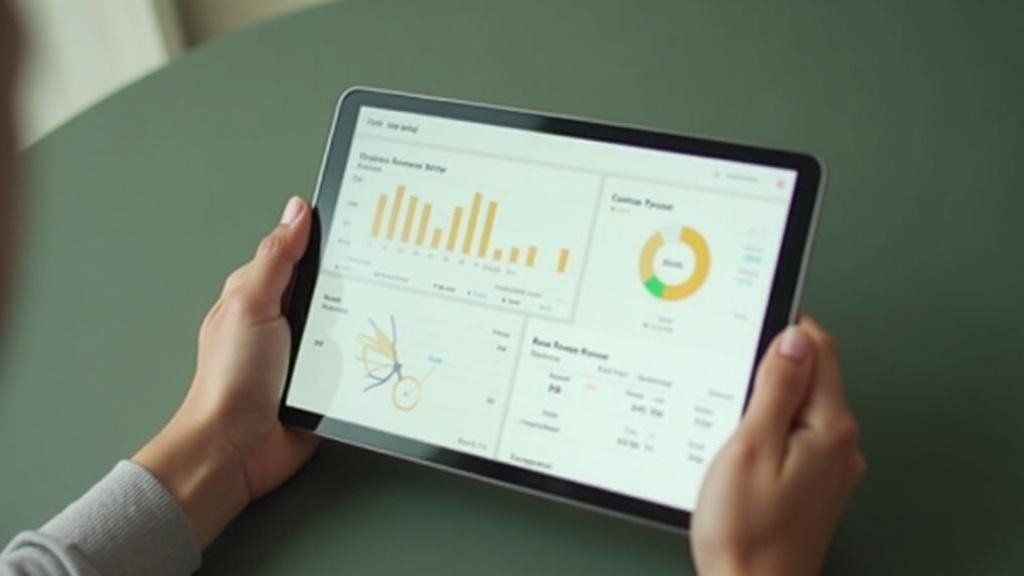
The single thing that separates good fabrication software from expensive shelf-ware is how much of the job it owns end-to-end. Quoting, nesting, CNC prep, payment collection. A shop running 20-plus jobs a week cannot afford four separate tools that barely talk to each other.
Below is a decision guide first, then the tools mapped to those decisions.
How to Decide Before You Demo Anything
Volume threshold. Under 10 jobs a month, a spreadsheet plus CounterGo can work fine. Over 30 jobs, you need automated nesting and a real pipeline.
CNC dependency. If you run a bridge saw or CNC router, DXF handling matters enormously. Garbage geometry coming out of a template device destroys your day before it starts.
Quote-to-cash speed. Every day a quote sits unsigned is revenue at risk. Software that collects a deposit in the same click as the e-signature earns its cost fast.
Cloud vs. on-premise. Multi-location shops and shops with remote estimators need cloud. Single-location shops with deep existing infrastructure sometimes prefer local installs.
Stone-specific vs. general shop management. Generic job-management tools miss slab-specific logic entirely: yield, remnants, book-matching. That gap always shows up in waste.
The 12 Options
1. SlabWise
The strongest case for SlabWise is the shop running CNC equipment and drowning in DXF errors between templating and cutting. Three things work together here in a way no other single tool currently does. First, the AI nesting engine batches multiple jobs onto one slab, accounts for veining direction, handles edge rotation, and supports book-matching. That is not standard. Most nesting tools ignore grain entirely. Second, the DXF middleware validates geometry and matches sink cutouts before the file ever reaches the machine. Catching those errors in software, not at the saw, is where the real time savings hide. Third, quotes built from actual DXF measurements present Good/Better/Best material tiers, collect an e-signature, and run a Stripe payment in one flow. The company reports meaningful drops in slab waste and a higher quote close rate using that tiered approach. Those are their own stated figures, but the mechanism makes sense. Pricing runs roughly $99 per month for a starter tier with limited active jobs, $299 per month for unlimited jobs, and $799 per month for multi-location shops needing API access and white-label options. A one-dollar, seven-day trial requires no commitment. Built specifically with US stone fabricators. For any shop where CNC yield and fast quote close rate are the two biggest levers, this is the most purpose-built option on this list.
2. Moraware CounterGo
The quote-and-drawing tool more US countertop shops use than anything else. Over 2,600 shops on the platform. At roughly $100 per user per month, it draws countertop layouts, calculates square footage, and produces customer-ready quotes quickly. It does not do CNC nesting. It is not trying to. If quoting speed is the gap and you handle CNC separately, CounterGo is proven and widely supported.
3. Moraware Systemize
The scheduling and job-tracking layer from the same company. Runs $200 to $400 per month depending on modules, with additional per-user fees above five seats. Pairs naturally with CounterGo. Large shops often run both. The integration is the point.
See also: How to Improve Academic Performance While Studying in Australia: The Ultimate Guide
4. ActionFlow
Moraware‘s workflow automation product. Handles task routing, automated notifications, and process rules across a job’s life. Best for shops that have already standardized their CounterGo and Systemize use and want to reduce manual follow-up work.
5. SlabWare
A separate product entirely from SlabWise, despite the similar name. Focused on slab inventory and distribution management. Stone yards and distributors use it to track slab lots, remnants, and movement through a yard. Less relevant for pure fabrication shops, more relevant for operations that also sell material wholesale.
6. SigmaNEST
Industrial-grade CNC nesting software used across multiple materials, not just stone. The nesting algorithms are sophisticated and well-established. Setup and configuration take real time. It is not a quote tool or a shop management system. Shops that already run complex CNC operations and need maximum nesting efficiency treat it as a dedicated engine.
7. FabSuite
Shop management built for fabricators: inventory tracking, job scheduling, work-order management. Covers the production floor well. Quoting is lighter than CounterGo. Shops that run FabSuite often still use a separate quoting tool alongside it.
8. EasySTONE / EasyStoneShop
CAD/CAM software with a shop management layer, starting around $150 per month at entry level. Used in European markets first, expanding in North America. Handles drawing, toolpath generation, and basic job tracking. For shops that want drawing-to-CNC in one environment without separate middleware.
9. QuickBooks (Shop-Adapted)
Still running in more stone shops than anyone admits publicly. Works for accounting. Falls apart for job costing, slab yield, scheduling, and anything real-time on the floor. Mention it here only because “we just use QuickBooks” is a real answer shops give when asked about their software stack.
10. Spreadsheets and Shared Drives
Free. Infinitely flexible. Also the reason shops lose track of remnants, miss follow-ups, and underquote jobs. At low volume this is manageable. At commercial scale it becomes the single largest source of margin leakage.
11. Whiteboards and Manual Scheduling
Still common in shops under a certain size. No recurring cost. Zero visibility for remote owners, no data history, and no way to spot bottlenecks across weeks of jobs at once.
12. Custom-Built Internal Tools
A handful of larger shops have commissioned their own databases or internal apps. Control is total. Maintenance cost is permanent. Works when you have dedicated IT. Most shops that try this path eventually migrate to purpose-built SaaS anyway.
Quick Comparison
| Tool | Best For | Cloud | Nesting | Quoting | CNC Prep |
| SlabWise | CNC shops needing yield + fast quotes | Yes | AI, vein-aware | Yes, Good/Better/Best + Stripe | Yes, DXF validation |
| CounterGo | Quote speed, drawing | Yes | No | Yes | No |
| Systemize | Job tracking, scheduling | Yes | No | No | No |
| ActionFlow | Workflow automation | Yes | No | No | No |
| SlabWare | Slab distribution/yards | Yes | No | No | No |
| SigmaNEST | Industrial CNC nesting | Partial | Advanced | No | Yes |
| FabSuite | Floor management | Yes | No | Light | No |
| EasySTONE | CAD to CNC | Partial | Basic | Light | Yes |
| QuickBooks | Accounting only | Yes | No | No | No |
| Spreadsheets | Low volume | No | No | Manual | No |
| Whiteboard | Very small shops | No | No | No | No |
| Custom tools | Unique large operations | Varies | Varies | Varies | Varies |
The shops that outperform on margin are almost always the ones that closed the gap between quoting and cutting fastest. Whatever tool earns that for your specific volume and equipment is the right one.
Common Questions
Does SlabWise actually handle book-matching, or is that just a marketing claim?
Book-matching support is listed as a feature of SlabWise’s AI nesting engine, meaning the system accounts for veining direction and slab orientation when batching jobs. Most generic nesting tools skip this entirely. Whether it performs well for your specific material mix is worth testing during the one-dollar trial before committing to a paid plan.
Can CounterGo and SlabWise realistically run side by side in the same shop?
Yes, and some shops do exactly that. CounterGo handles the drawing and customer-facing quote while SlabWise owns DXF validation and nesting before the file reaches the CNC. The overlap is in quoting, so shops running both need a clear internal rule about which tool generates the customer document to avoid version confusion.
At what job volume does SigmaNEST start making more sense than a tool like SlabWise for nesting?
SigmaNEST is an industrial engine built for shops running high-complexity CNC operations across multiple material types, and its setup overhead reflects that. For a stone-only shop under roughly 50 jobs per week, the configuration time and learning curve are hard to justify. Shops running mixed-material CNC lines at serious volume are the ones who typically find SigmaNEST worth that investment.
What is the real difference between SlabWare and SlabWise given the near-identical names?
Completely different products with different target customers. SlabWare is built for slab distributors and stone yards tracking inventory, lot movement, and wholesale transactions. SlabWise is built for fabrication shops that cut and install. If you fabricate and also sell material wholesale, you might eventually want both, but they do not overlap in function.
Is FabSuite strong enough on quoting to replace CounterGo for a large shop?
FabSuite’s quoting is described as lighter than CounterGo’s, which is why shops running FabSuite for floor management often keep a separate quoting tool alongside it. For a large shop where quote turnaround time directly affects close rate, FabSuite alone is unlikely to be sufficient on the customer-facing side.
Sources
- Moraware pricing and product details drawn from moraware.com, current as of 2025
- SigmaNEST product documentation (sigmanest.com)
- FabSuite product overview (fabsuite.com)
- EasySTONE North America product information (easystoneshop.com)
- SlabWise pricing and feature descriptions (public-facing product listings, 2025)
- Stone fabrication industry forums and trade publications including Stone World and SRG (Stone Restoration and Maintenance)